
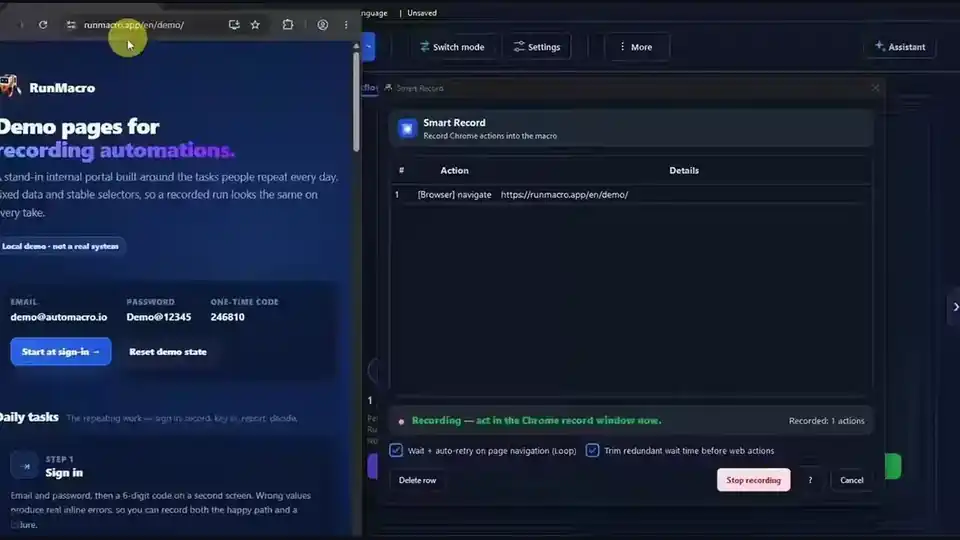
Featured Article
How to Run a Macro on Windows (Record and Replay)
Learn how to run a macro on Windows with RunMacro: record it once, press Run to replay every step, stop with F9, and run saved .qmacro packages on a schedule.
Read articleFriendly, practical guides to help you hand repetitive Windows and browser work to robots — simply, reliably, and with you in control.

Learn how to run a macro on Windows with RunMacro: record it once, press Run to replay every step, stop with F9, and run saved .qmacro packages on a schedule.
Read article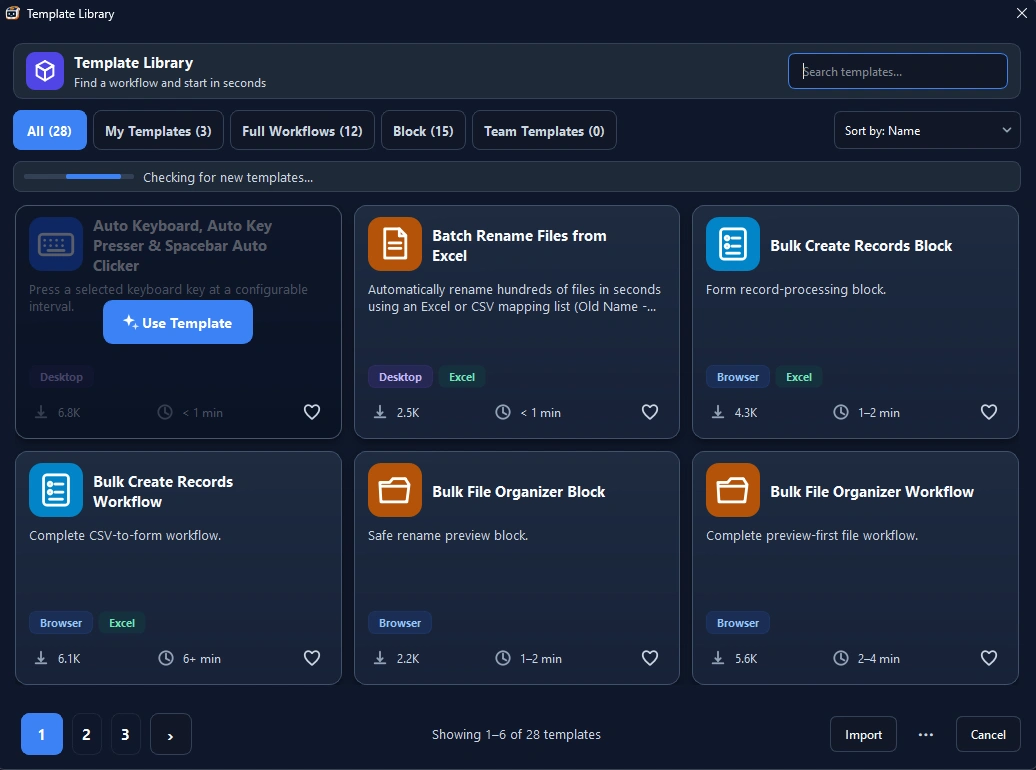
Discover essential pre-built macro program templates for Windows. Learn how to automate data entry, form filling, and repetitive clicks without coding.
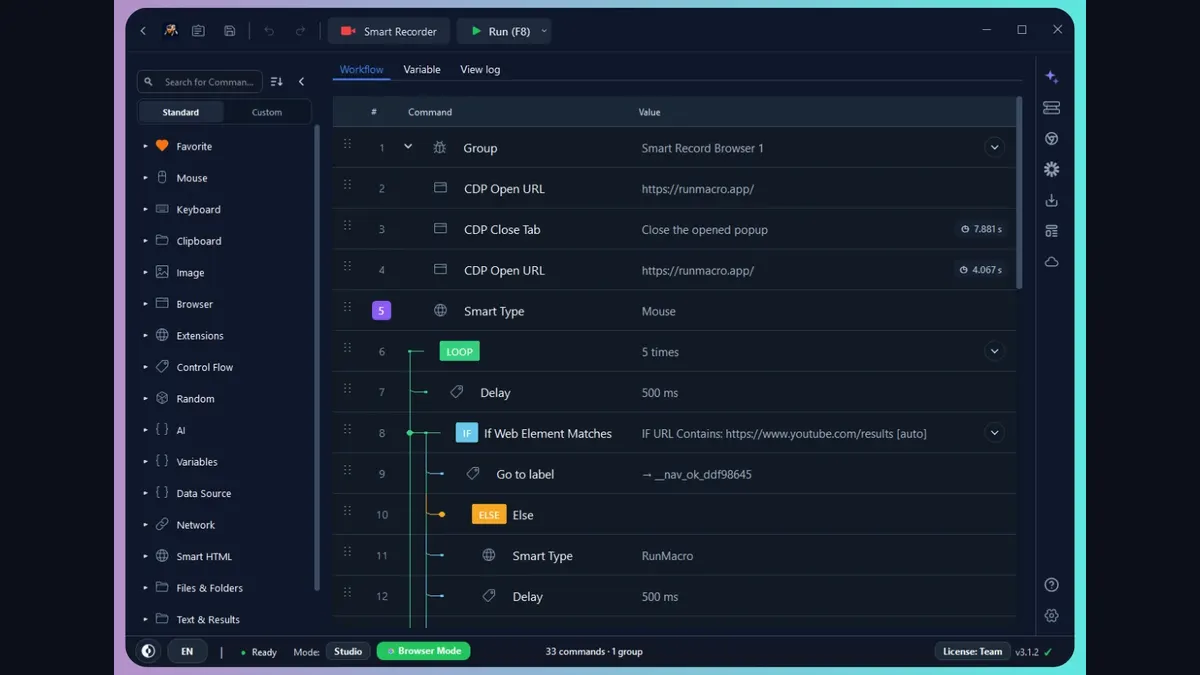
Looking for a modern Jitbit Macro Recorder alternative? Compare the top 5 free & lightweight macro recorders for Windows with Smart UI element detection.
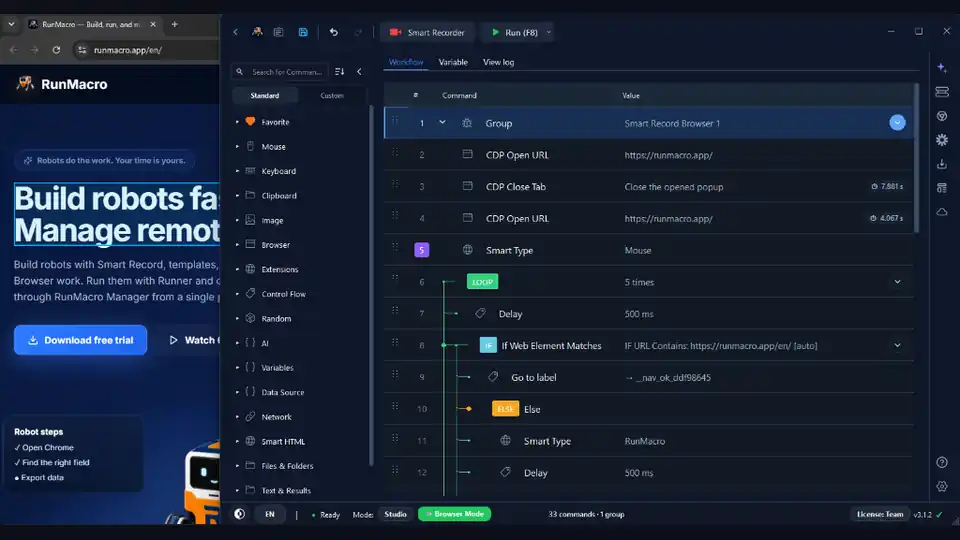
Looking for an OP Auto Clicker alternative? Automate clicks by UI elements instead of fixed coordinates and run workflows without constantly controlling your mouse.
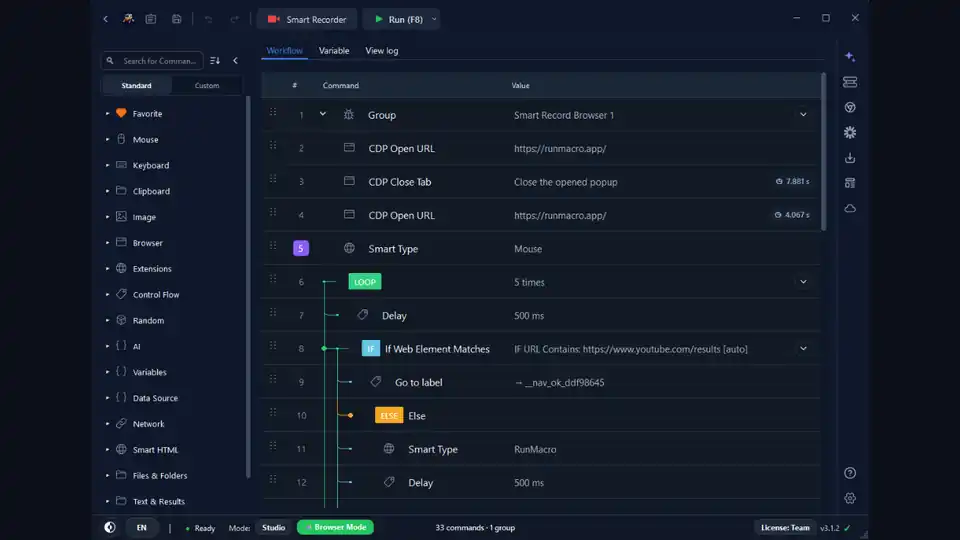
Comparing AutoHotkey script automation with modern no-code macro recorders. Find out which tool fits your skill level, workflow speed, and automation goals.
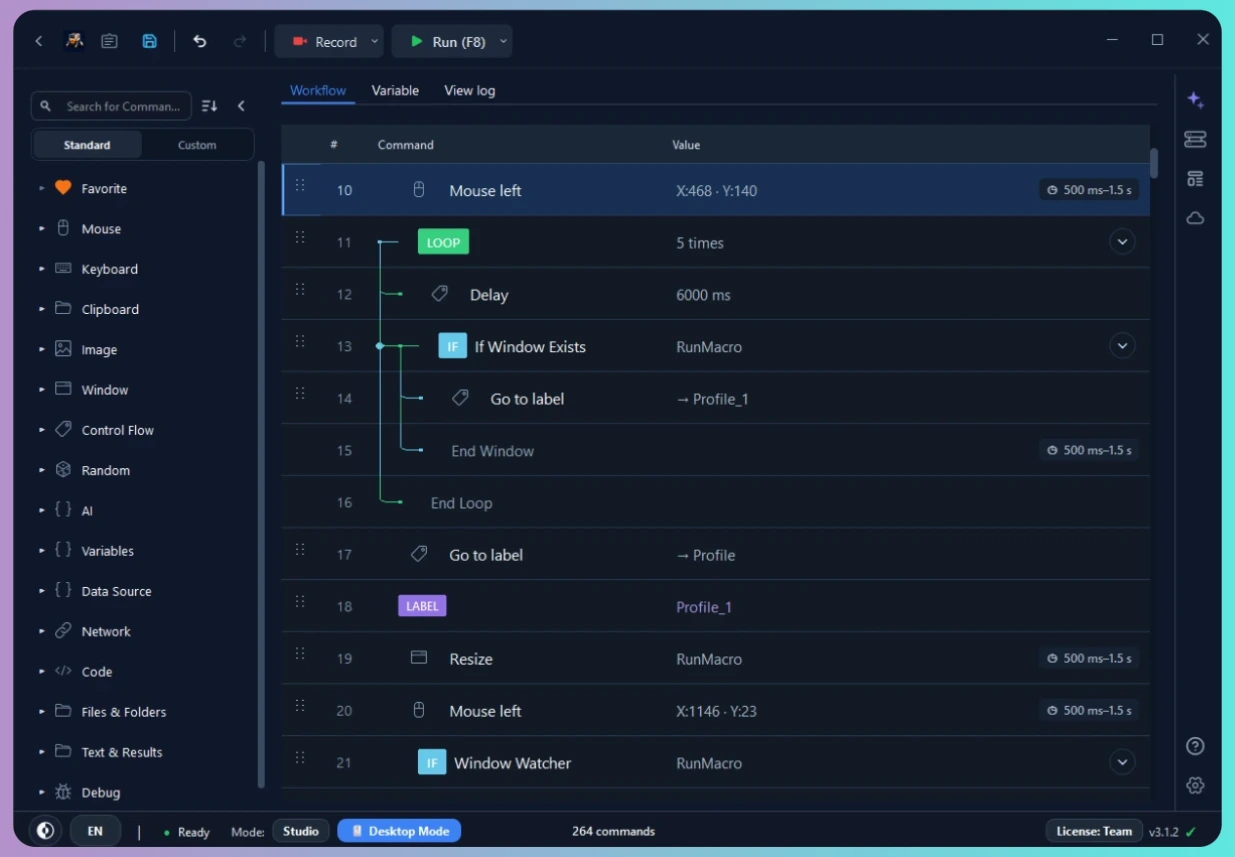
Looking for an easy auto clicker for Windows? Learn how to automate repetitive mouse clicks, set custom intervals, and run tasks safely without coding.
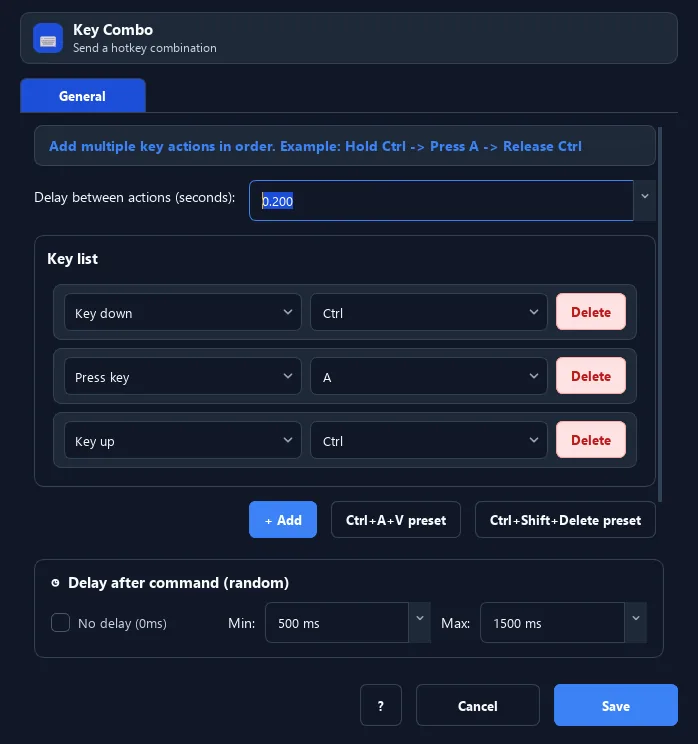
Learn how to automate repetitive keyboard presses, typing, spacebar taps, and key loops on Windows with a visual no-code workflow.
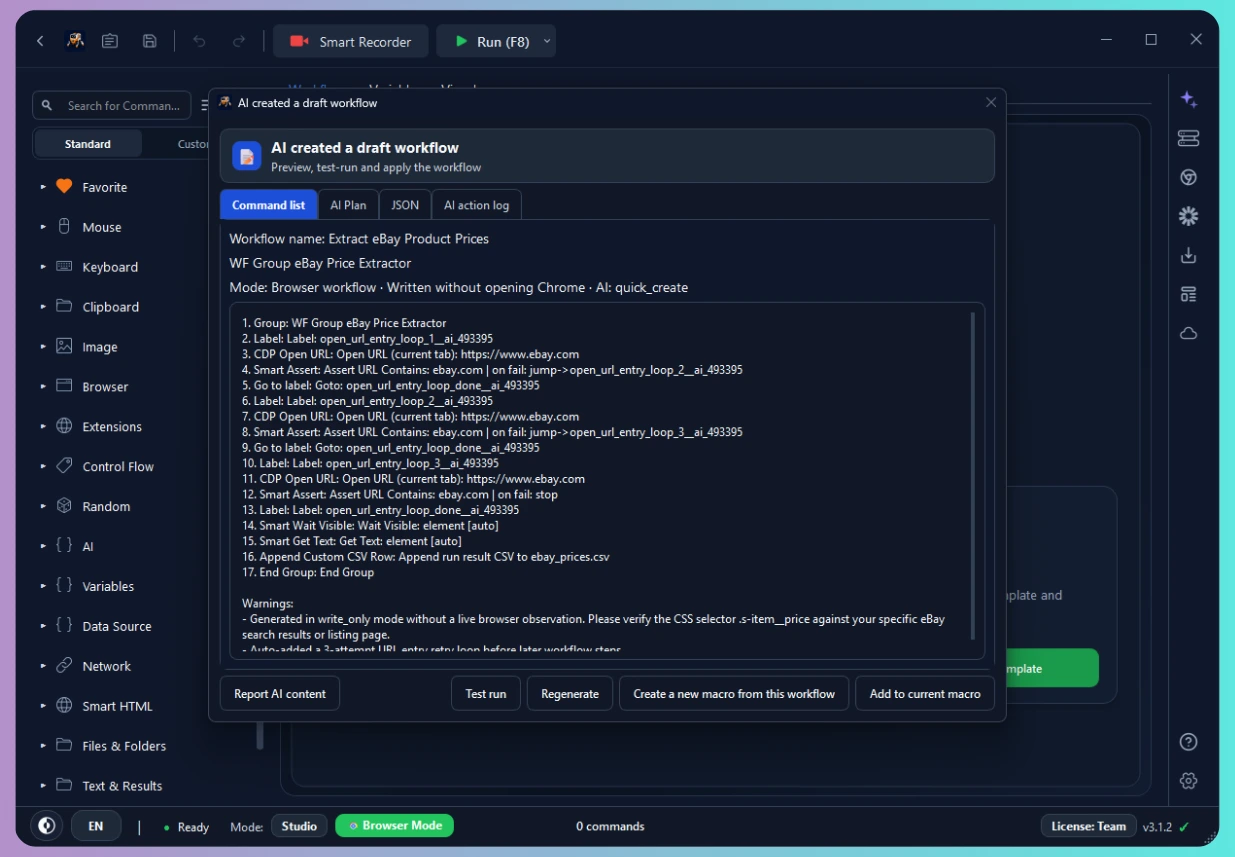
Describe a task in plain language and let AI build an editable browser workflow in RunMacro, then review it before you run — a no-code AI automation guide.
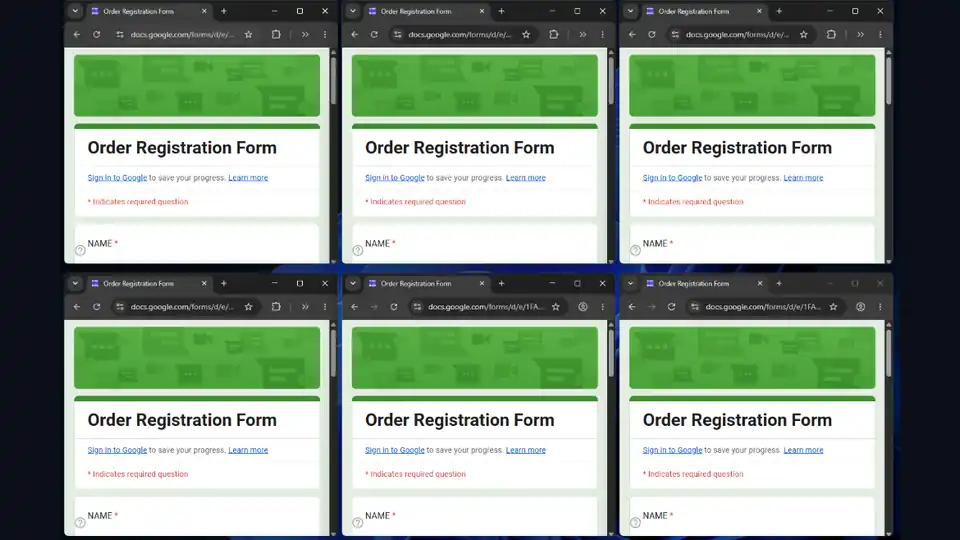
Multi profile browser automation with RunMacro: run the same Google Form or web task across many background Chrome profiles at once, without occupying your PC.
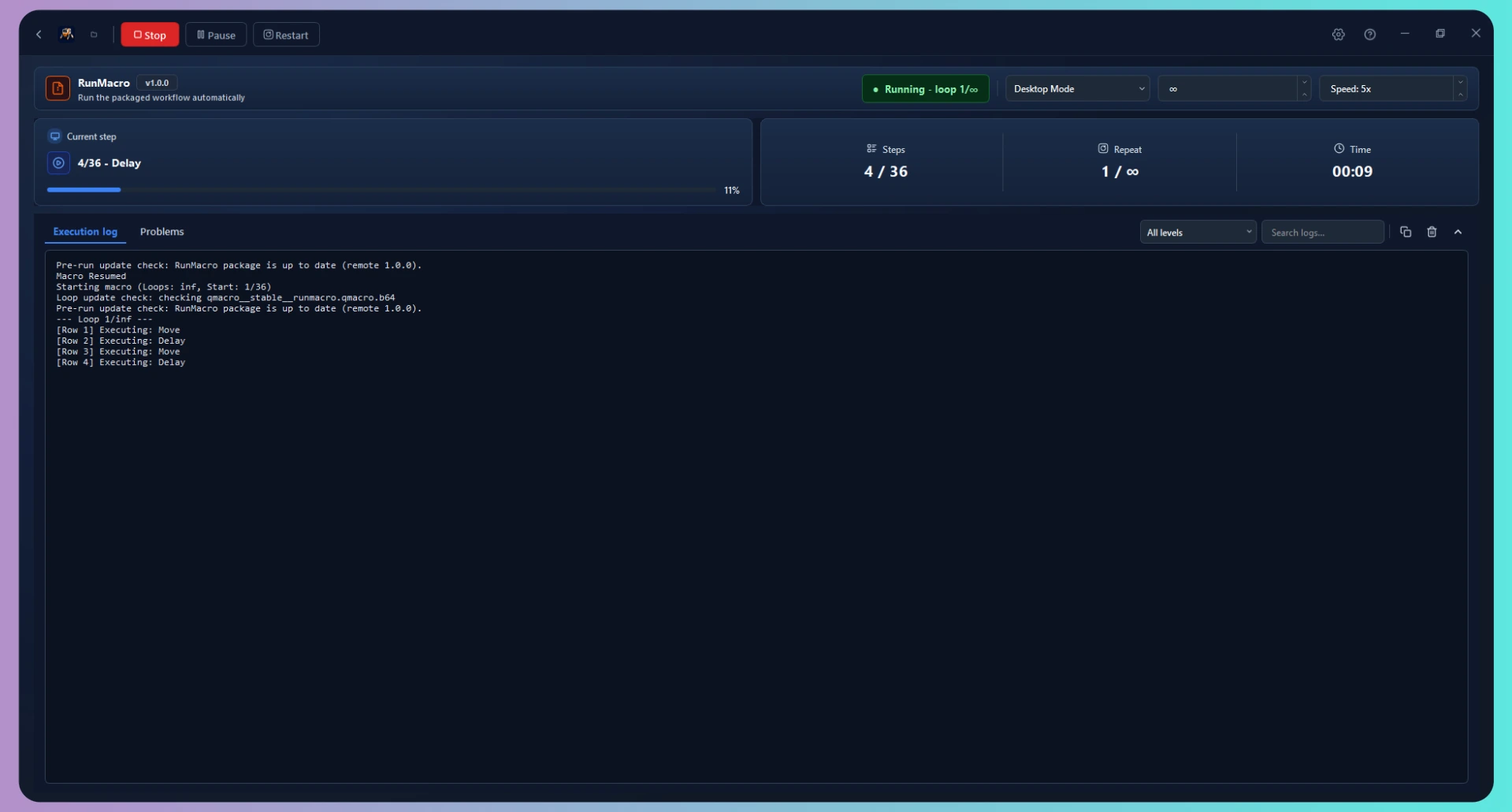
Use background browser automation to run web tasks in background Chrome without taking over your mouse, so you can keep gaming on the same PC.
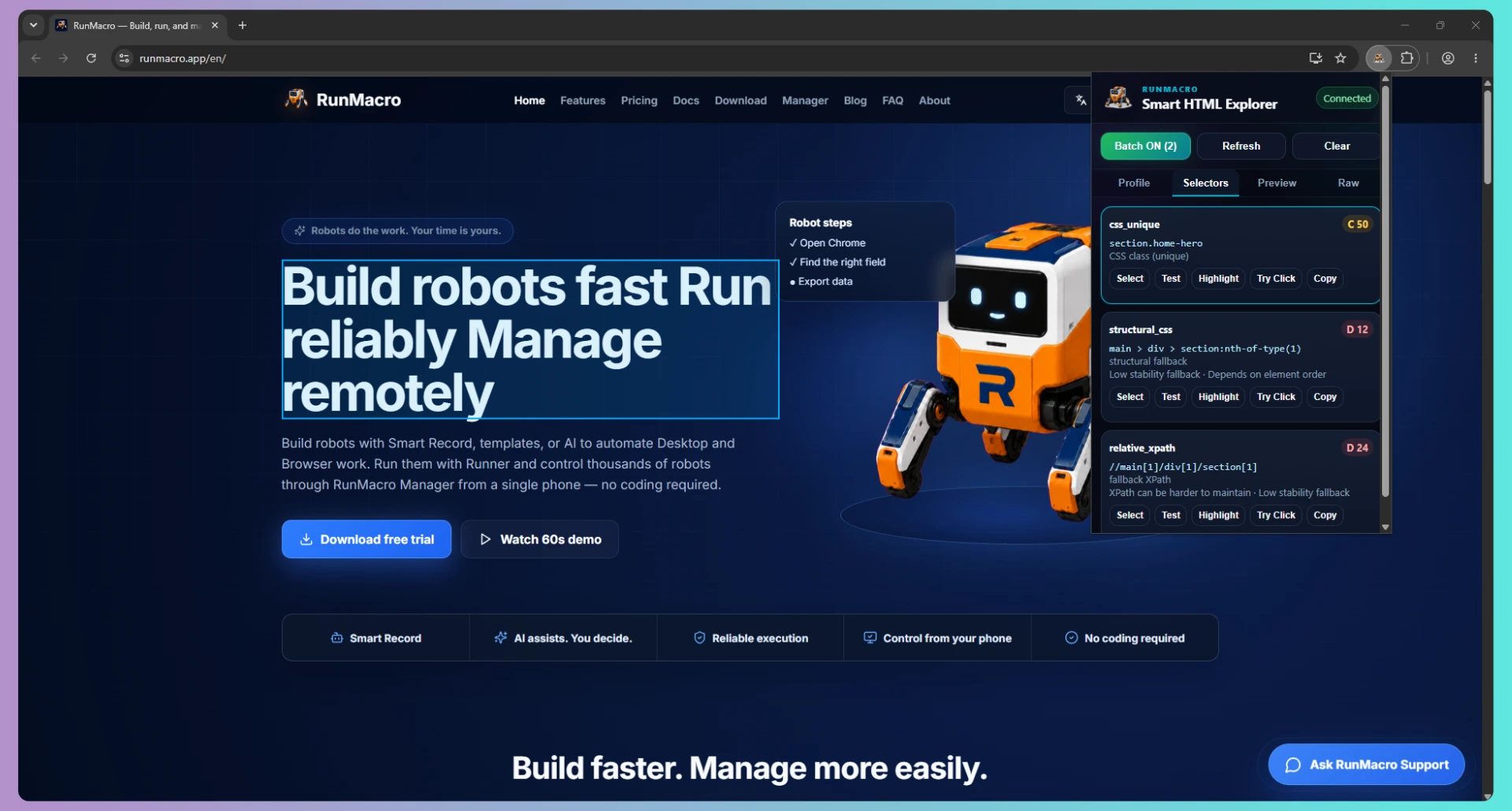
Clicking a web element by selector vs a fixed coordinate: how each works, the trade-offs, and a simple rule for choosing the reliable option.
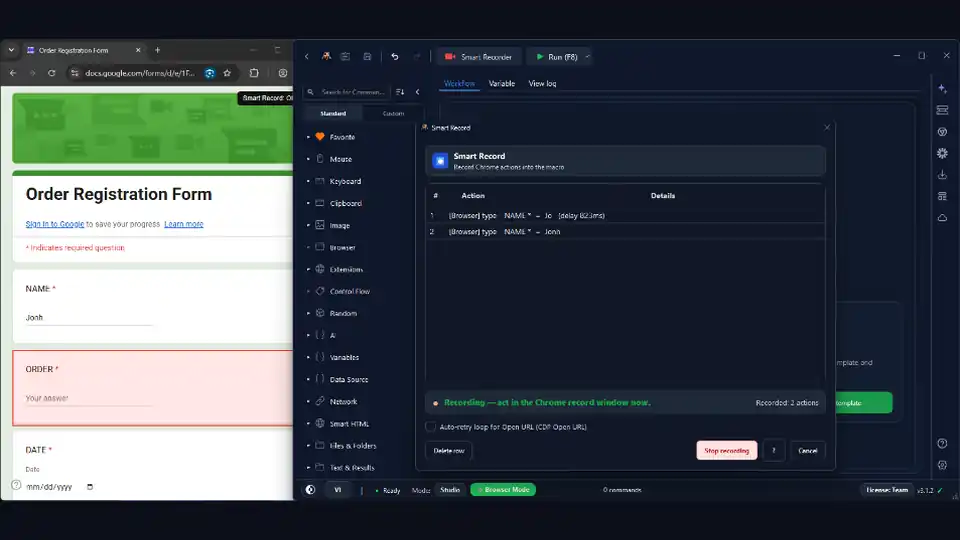
Set up automated form filling that runs in background Chrome, so Google Forms get filled and submitted while you keep working on the same computer.
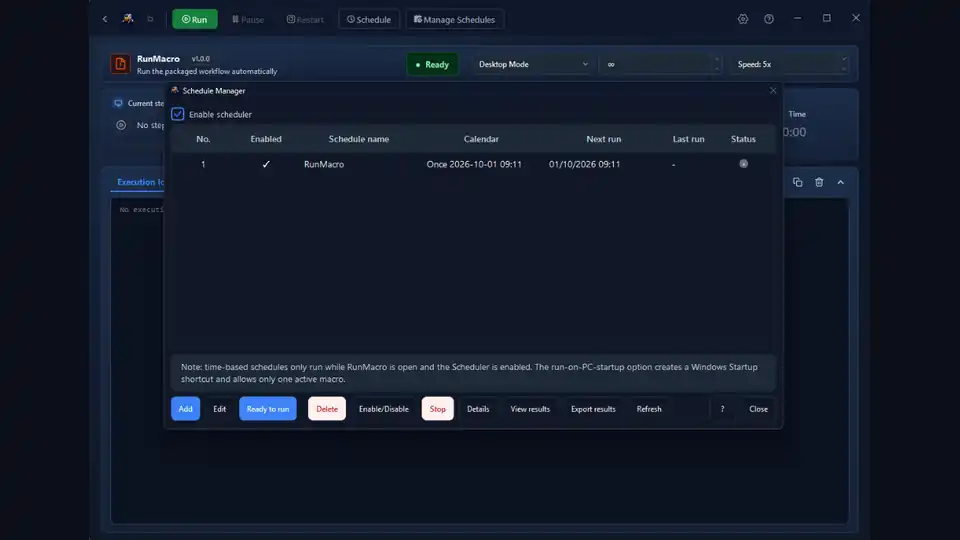
Seven repetitive tasks that are perfect for scheduled automation, each with a real example and the RunMacro feature that powers it.
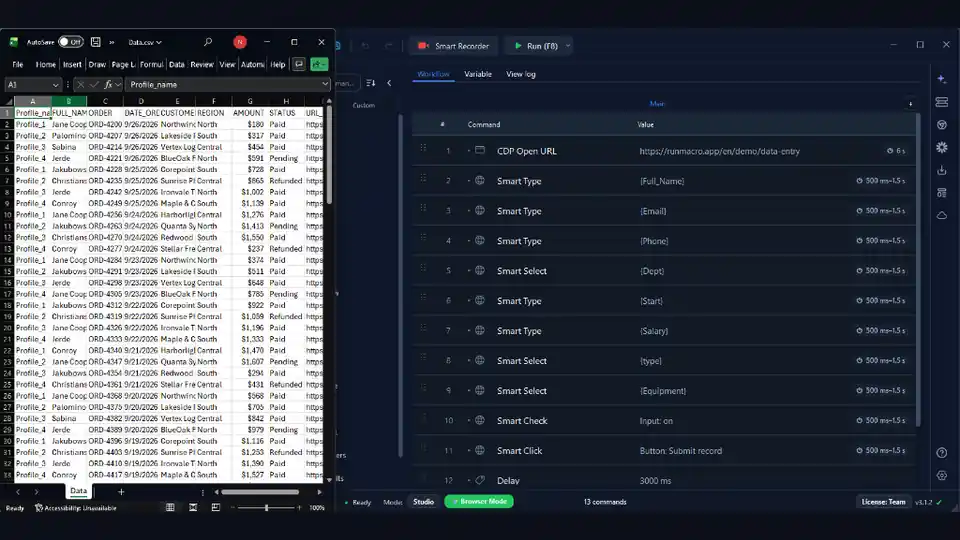
Read rows from a spreadsheet, enter them into a form or app by selector, loop through every record and log results — no code needed.
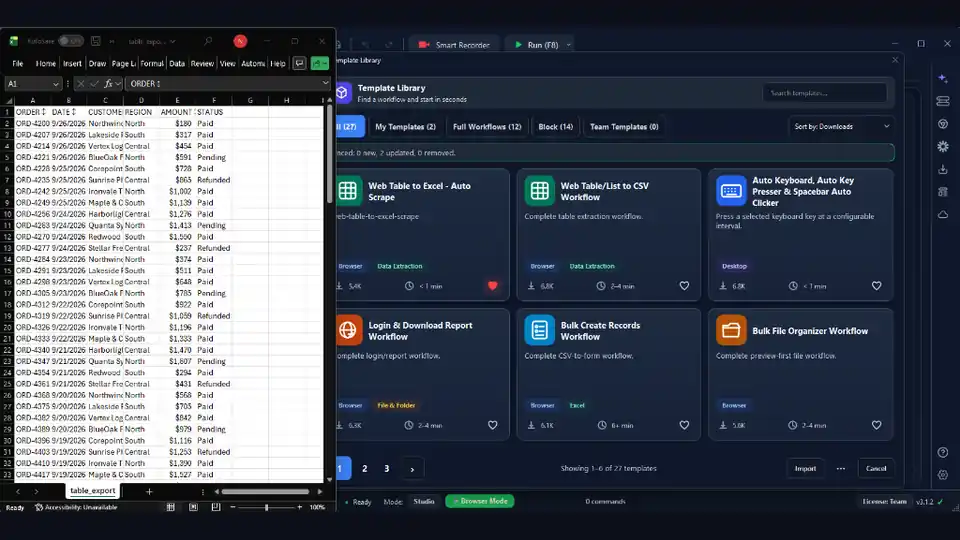
Step-by-step guide to scrape and export data from websites using browser automation.
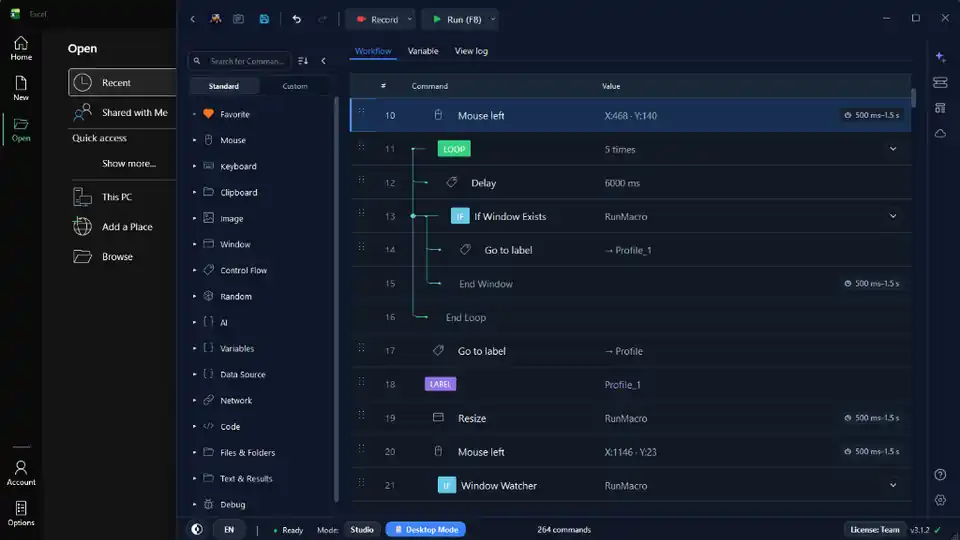
Learn how RunMacro helps automate repetitive Windows tasks across desktop apps, browsers, and packaged workflows.
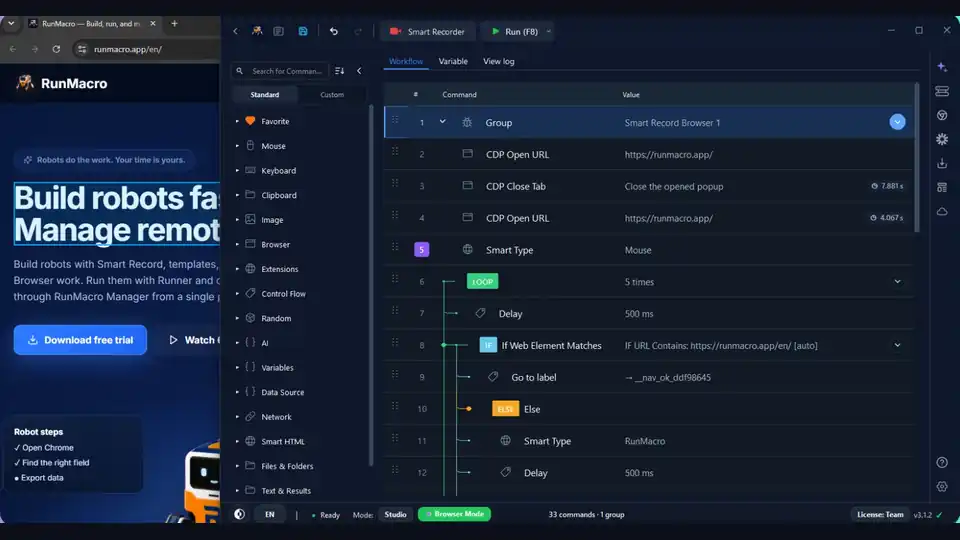
Compare desktop automation and browser automation so you can choose the right RunMacro mode for each workflow.
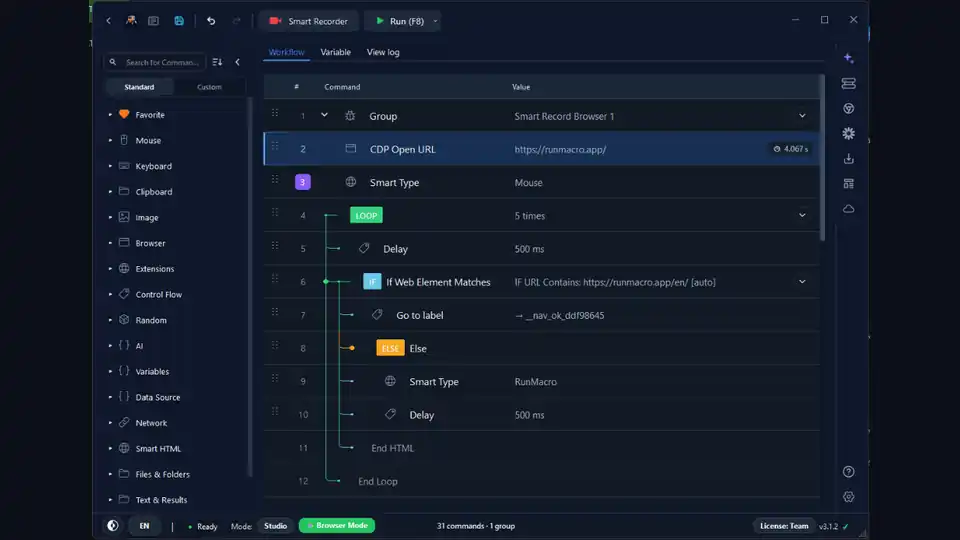
Practical tips for building reliable Windows macro automation workflows with image matching, waits, and diagnostics.
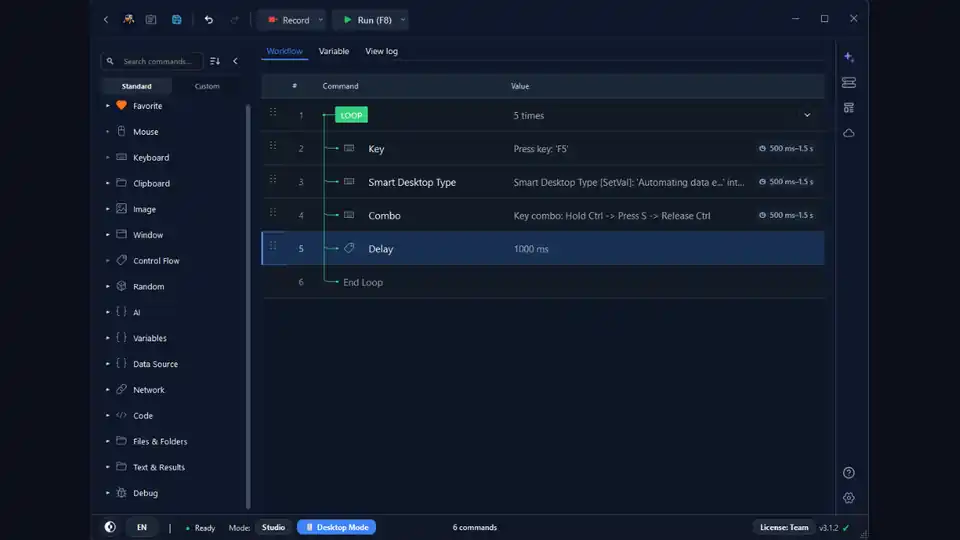
A beginner-friendly walkthrough to build your first automation using RunMacro’s visual workflow builder.
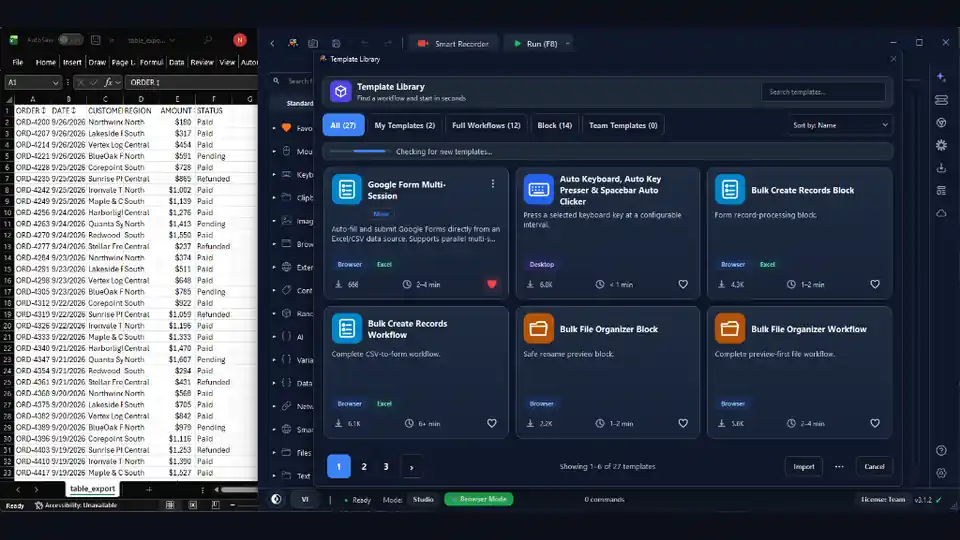
Real-world examples of how small automations can eliminate busywork and boost productivity.

Use what you just learned to create a robot and reclaim time for what matters.