
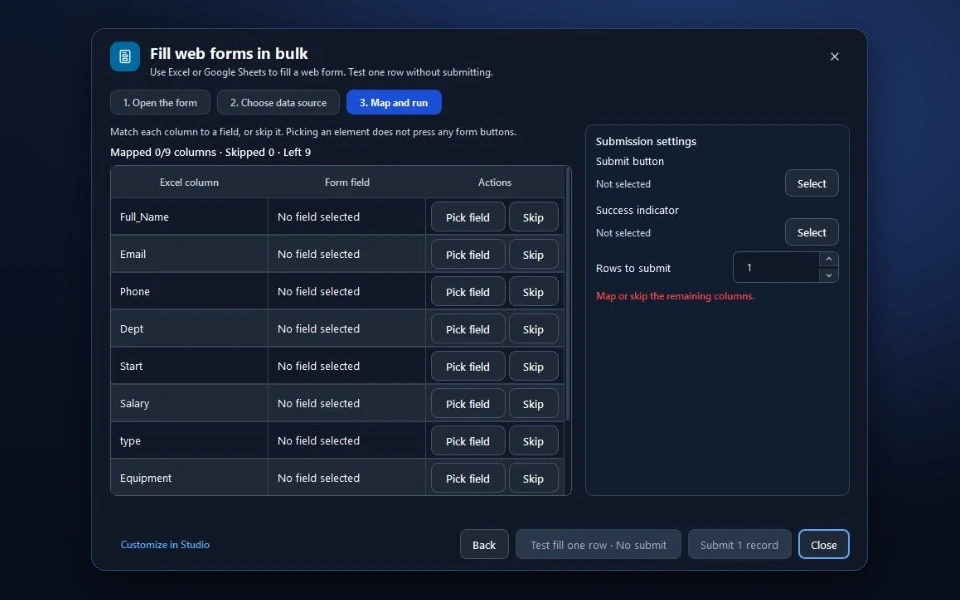
Featured Article
Automated Form Filling: 4 Methods Compared (No‑Code Guide)
Compare 4 automated form filling methods—browser autofill, extensions, Python scripts, and local no-code tools—then test 1 row safely before batch runs.
Friendly, practical guides to help you hand repetitive Windows and browser work to robots — simply, reliably, and with you in control.

Compare 4 automated form filling methods—browser autofill, extensions, Python scripts, and local no-code tools—then test 1 row safely before batch runs.
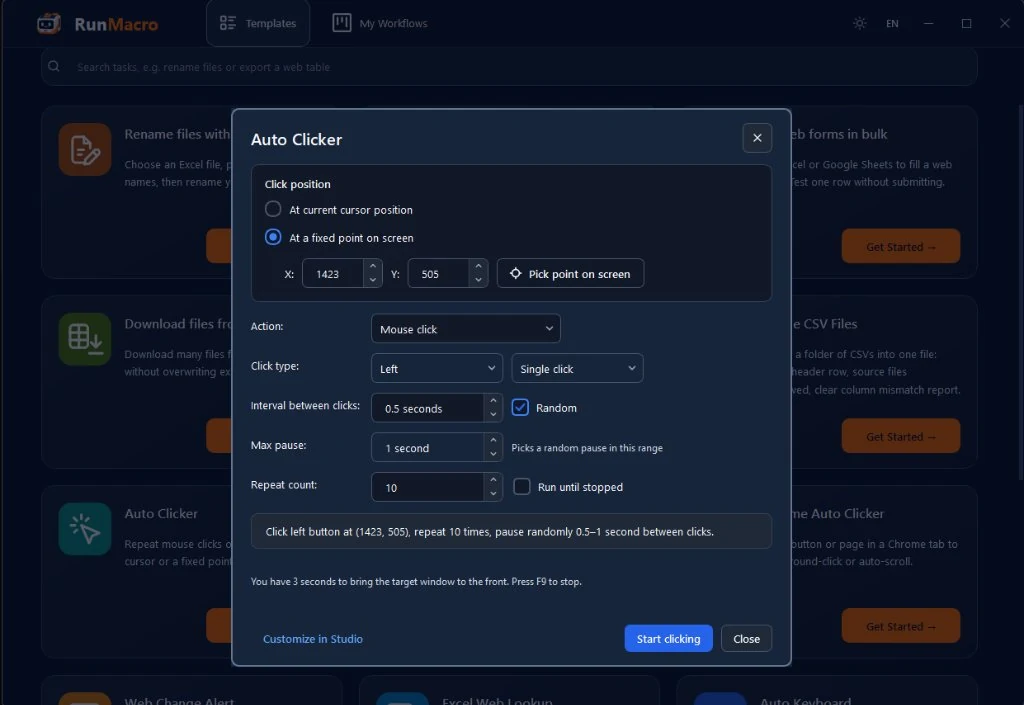
Set random intervals in RunMacro's random auto clicker for Windows 10/11: pause 0.5-1 second across 10 clicks, wait 3s to start, and stop with F9.
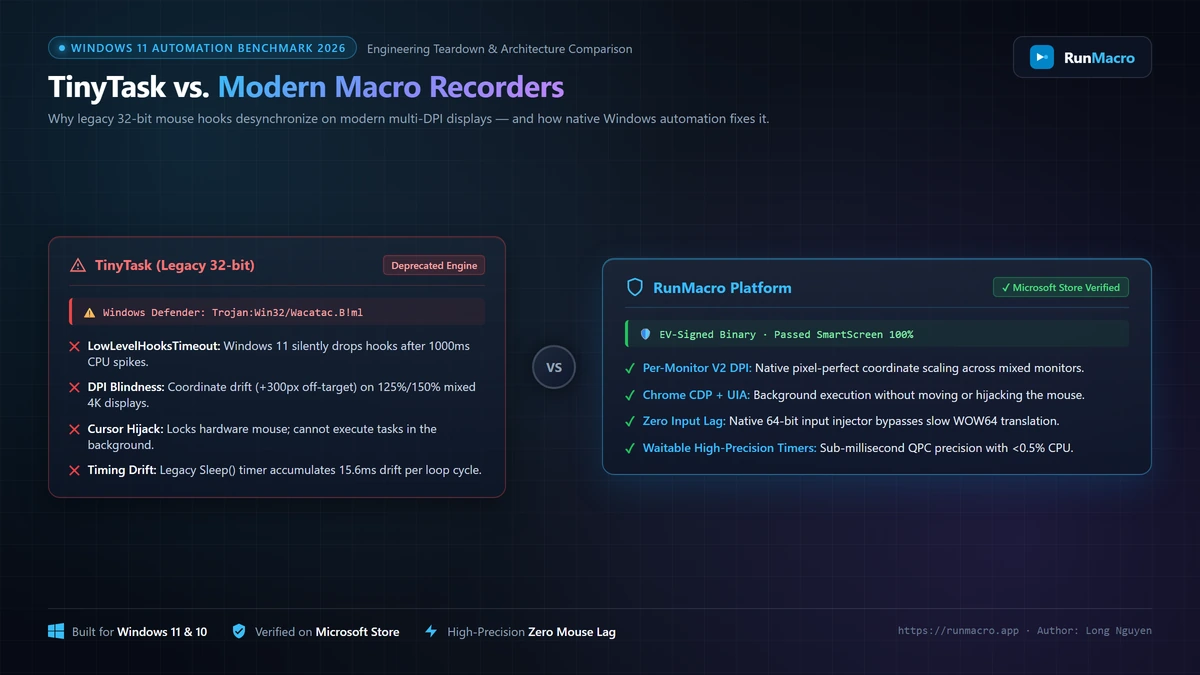
Looking for a safe TinyTask alternative for Windows 11? Compare the top 5 lightweight macro tools without antivirus warnings, mouse lag, or broken loops.
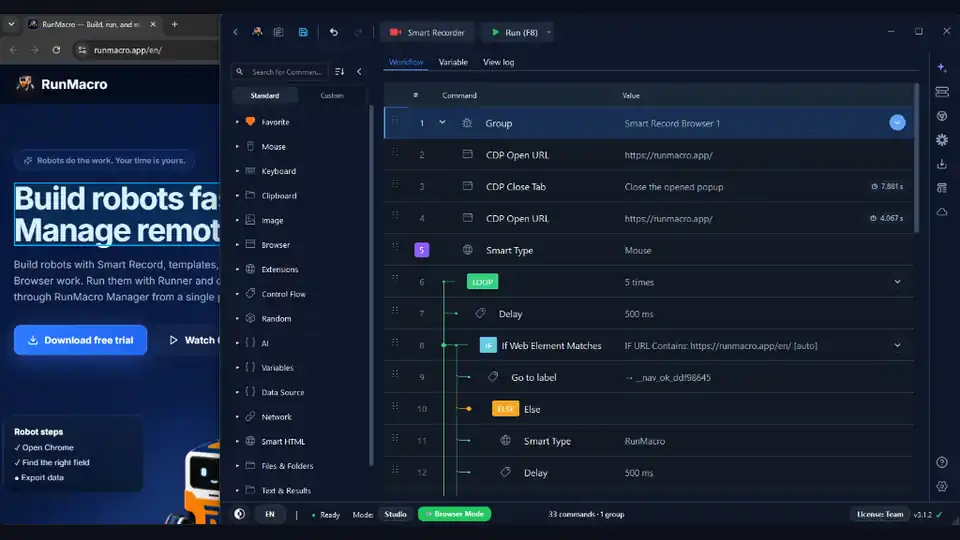
Learn how to run a background auto clicker on Windows 11 without mouse takeover. Automate background tabs and apps with Chrome CDP and smart UI automation.
Learn how to run .bat batch files in Windows 10/11 using CMD, PowerShell, or as Administrator. Fix auto-closing CMD windows with easy pause tricks.
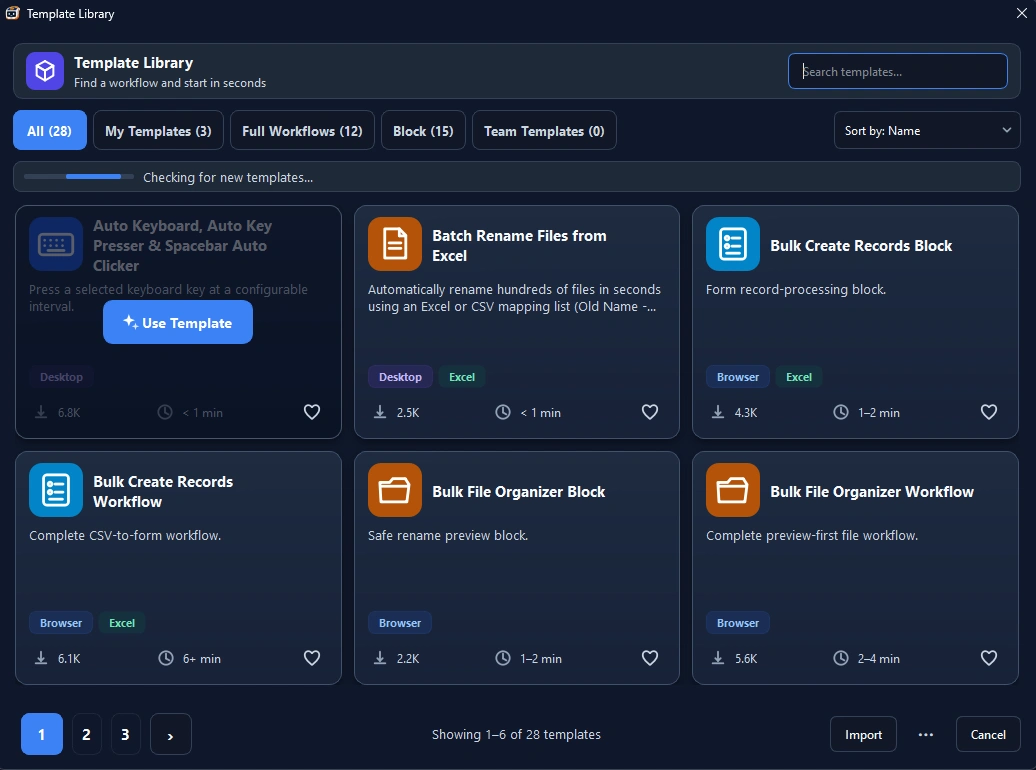
Download ready-to-use macro program templates for Windows desktop automation, data entry, and Chrome background tasks. Free workflow templates.
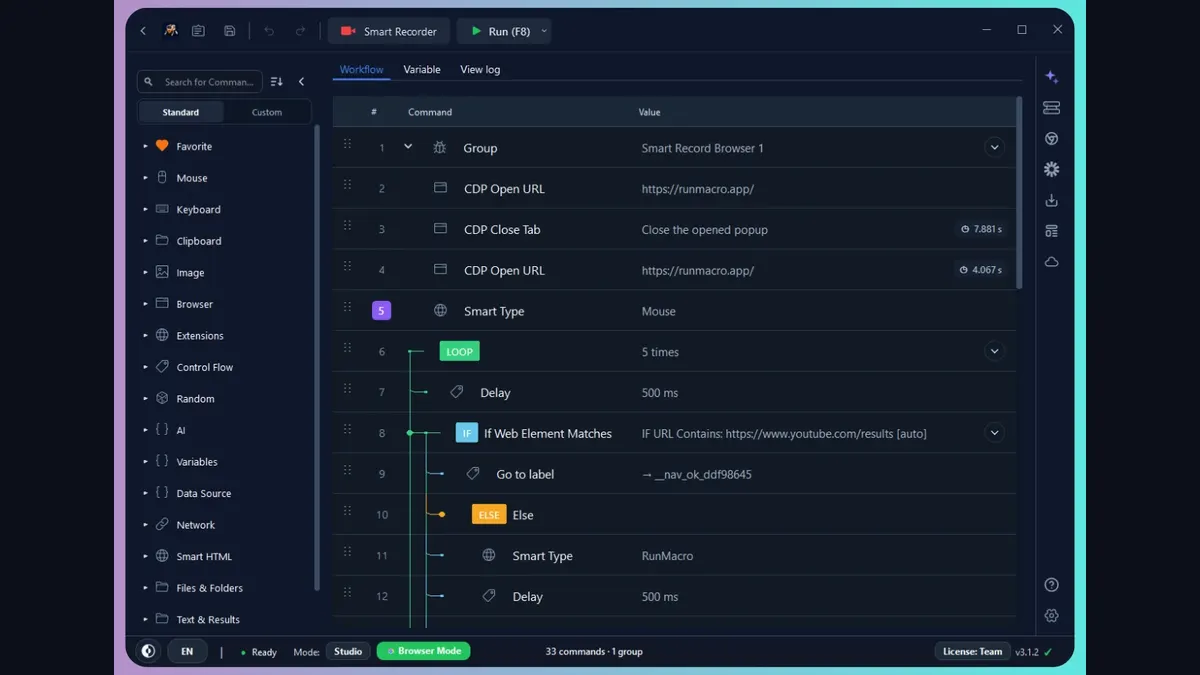
Looking for a modern Jitbit Macro Recorder alternative? Compare the top 5 free & lightweight macro recorders for Windows with Smart UI element detection.
Looking for an OP Auto Clicker alternative? Learn why smart element clicking prevents missed clicks when windows move and keeps your mouse free in Chrome.
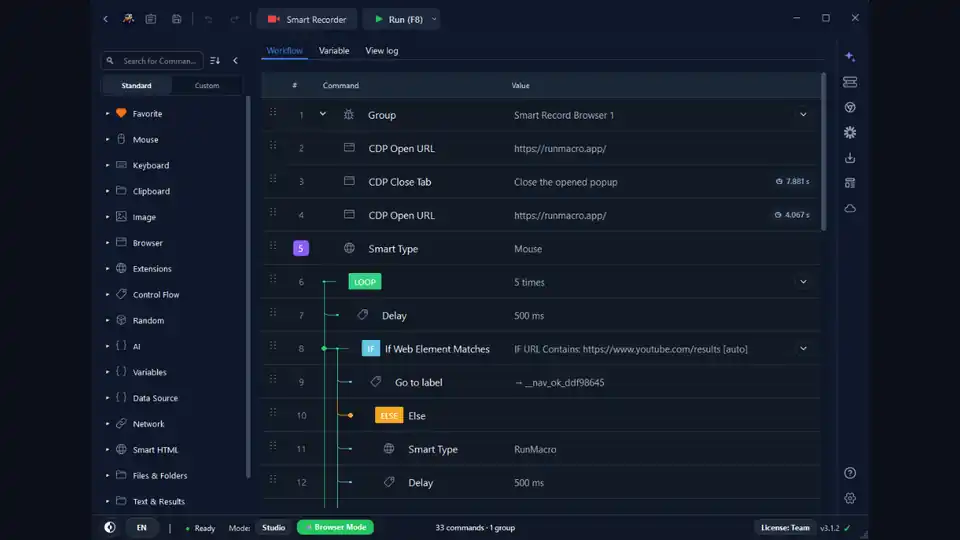
Compare AutoHotkey scripts with visual no-code macro recording. Automate keyboard and mouse tasks without coding, syntax errors, or complex setup.
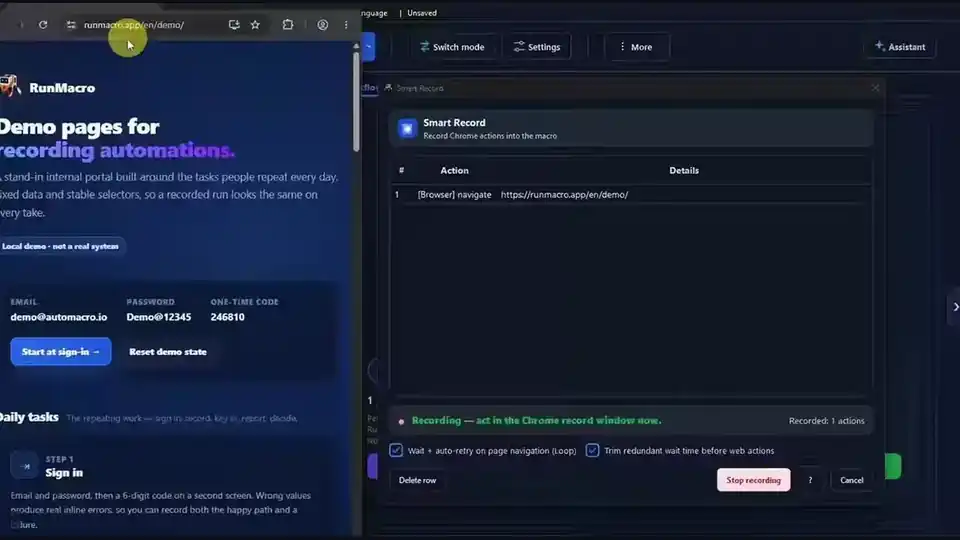
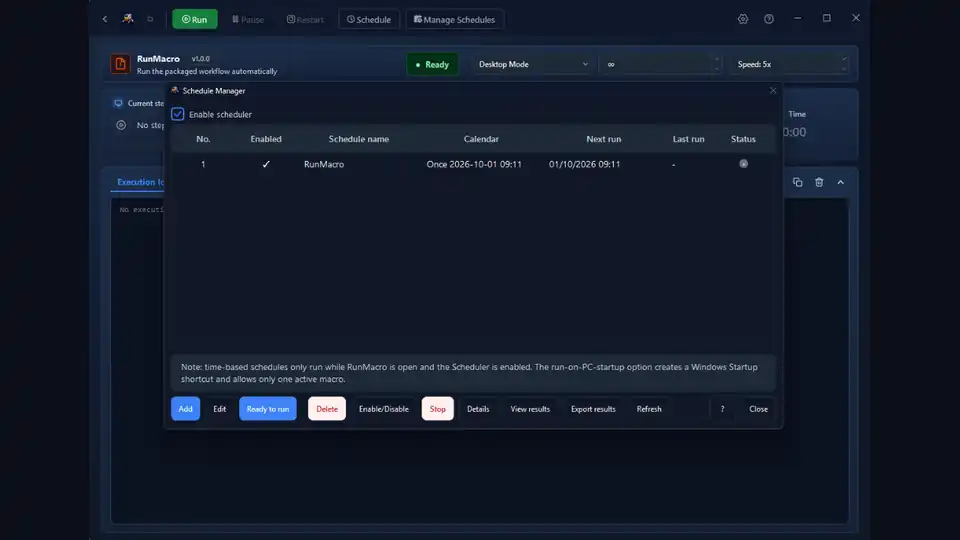
Learn how to run a macro on Windows with RunMacro: record it once, press Run to replay every step, stop with F9, and run saved .qmacro packages on a schedule.
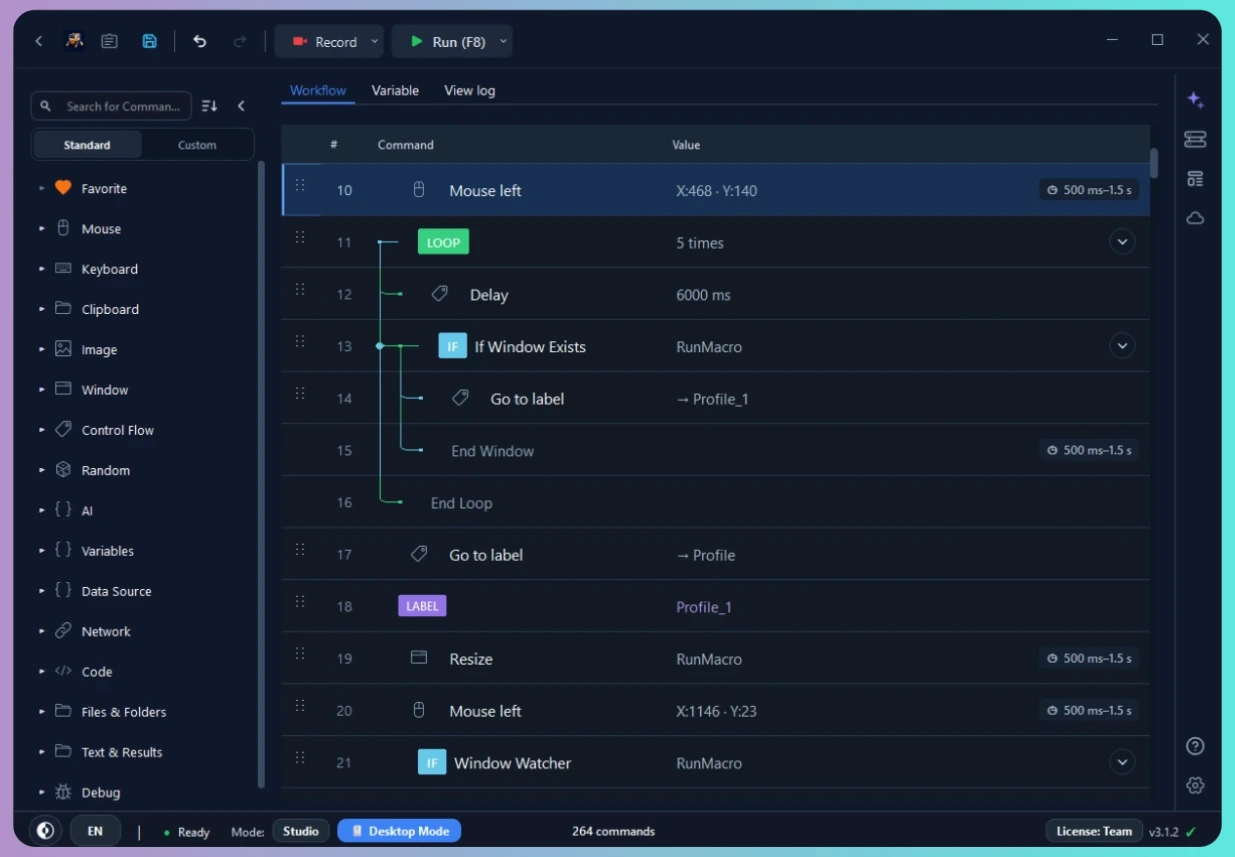
Automate mouse clicks on Windows 10/11 with custom intervals and hotkeys. Use Chrome background clicking without taking over your physical mouse.
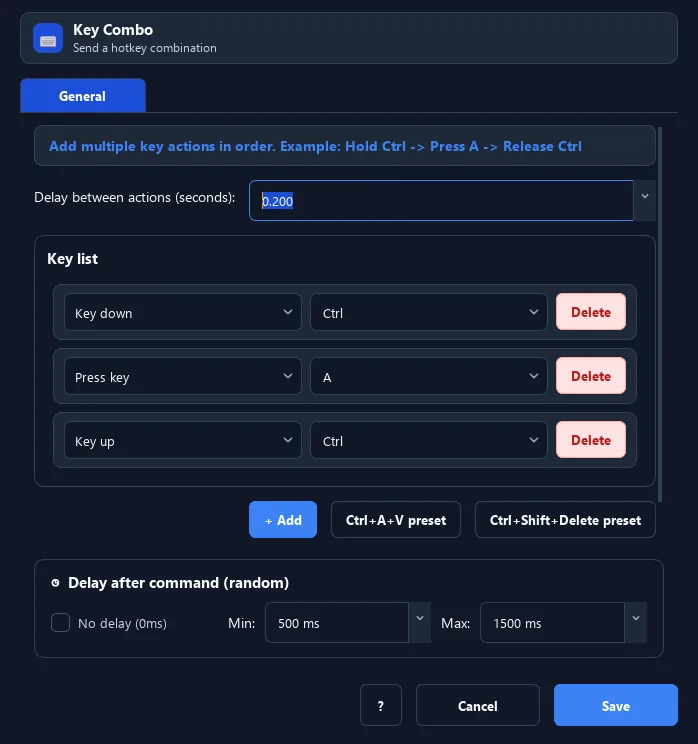
Learn how to automate repetitive keyboard presses, typing, spacebar taps, and key loops on Windows with a visual no-code workflow.
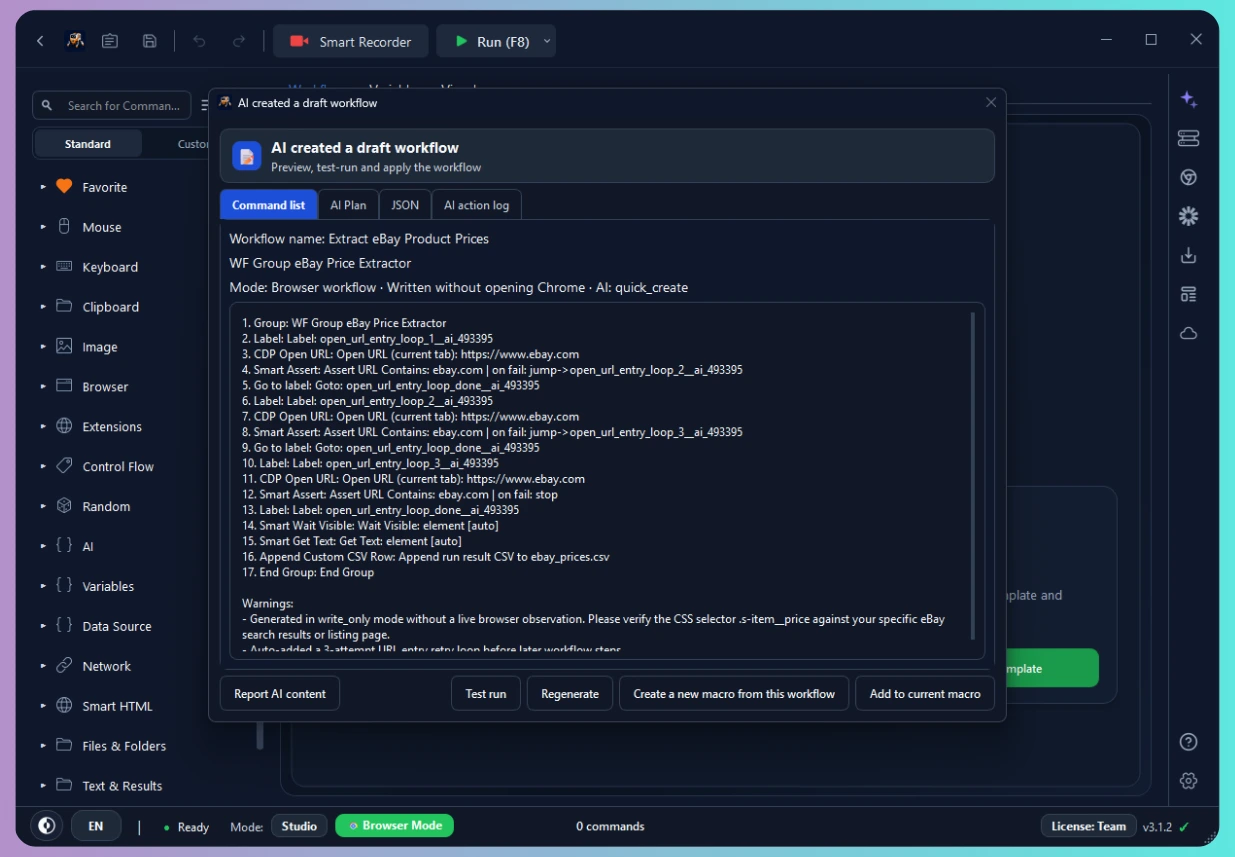
Describe a task in plain language and let AI build an editable browser workflow in RunMacro, then review it before you run — a no-code AI automation guide.
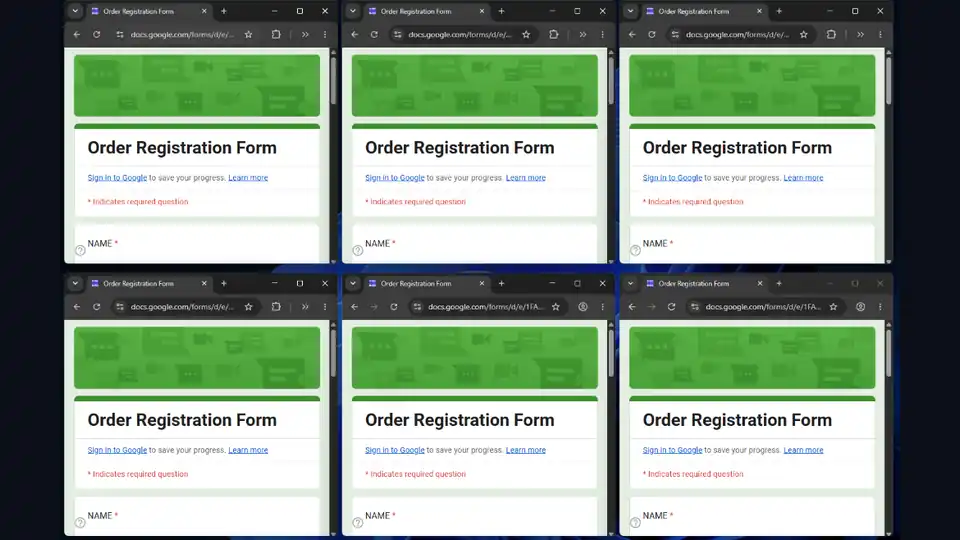
Multi profile browser automation with RunMacro: run the same Google Form or web task across many background Chrome profiles at once, without occupying your PC.
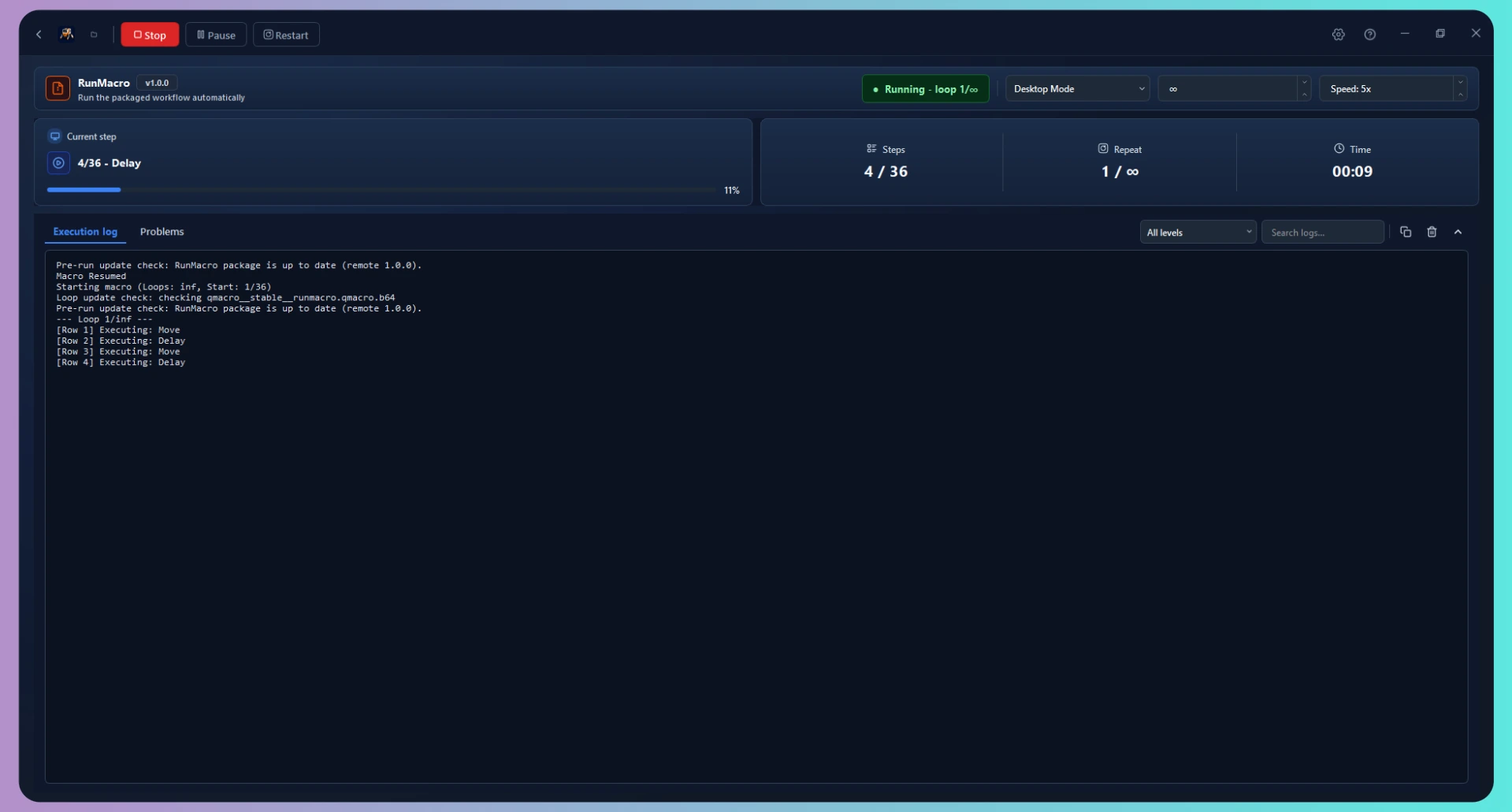
Use background browser automation to run web tasks in background Chrome without taking over your mouse, so you can keep gaming on the same PC.
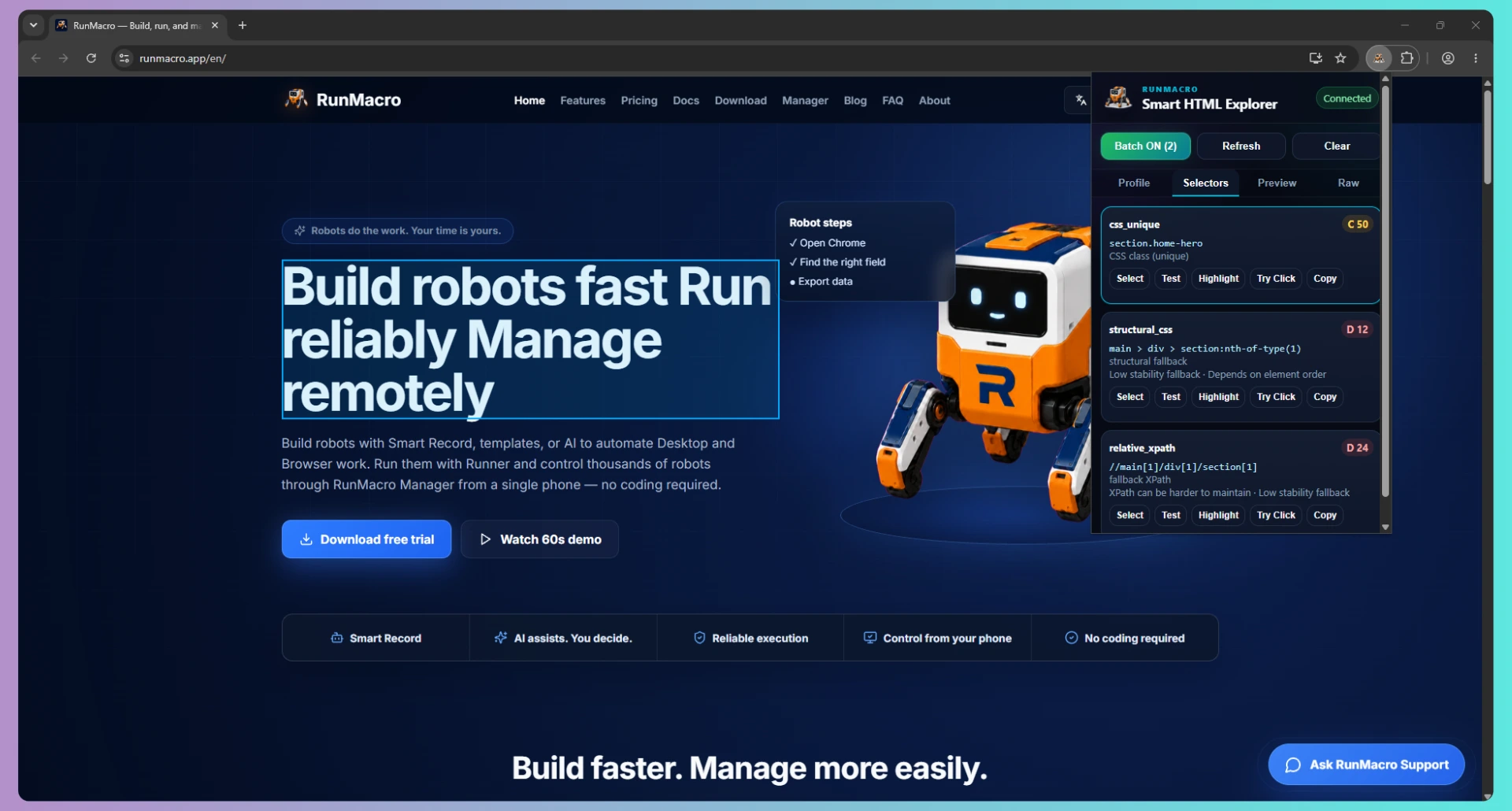
Clicking a web element by selector vs a fixed coordinate: how each works, the trade-offs, and a simple rule for choosing the reliable option.
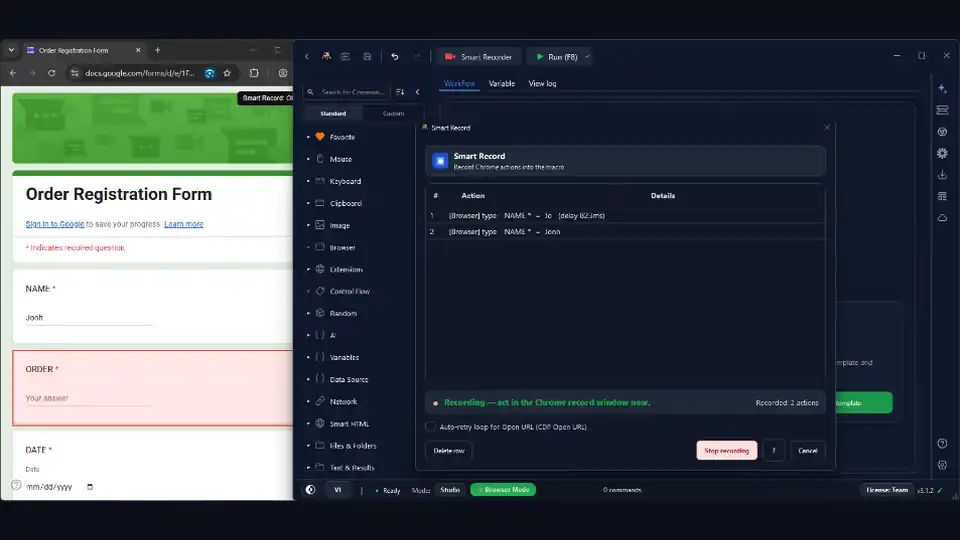
Set up automated form filling that runs in background Chrome, so Google Forms get filled and submitted while you keep working on the same computer.
Seven repetitive tasks that are perfect for scheduled automation, each with a real example and the RunMacro feature that powers it.
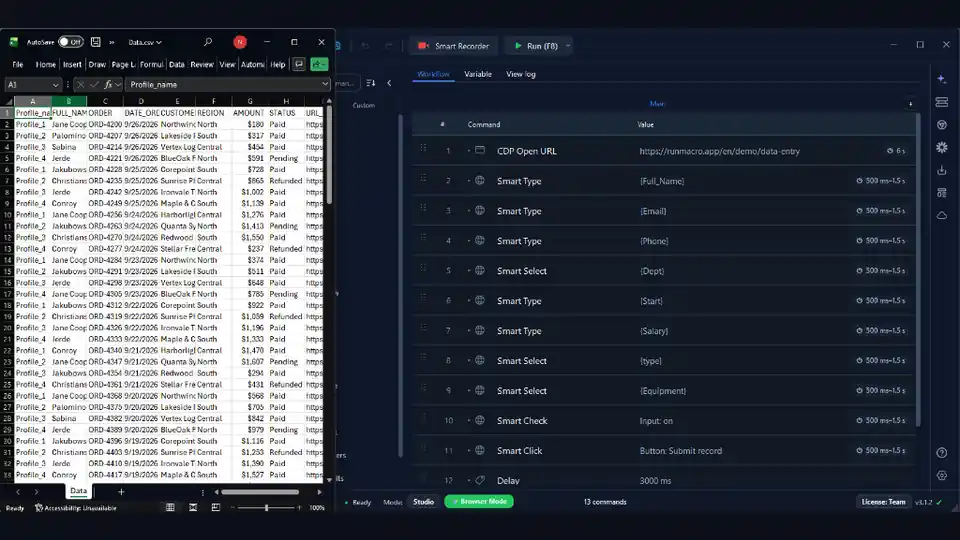
Read rows from a spreadsheet, enter them into a form or app by selector, loop through every record and log results — no code needed.
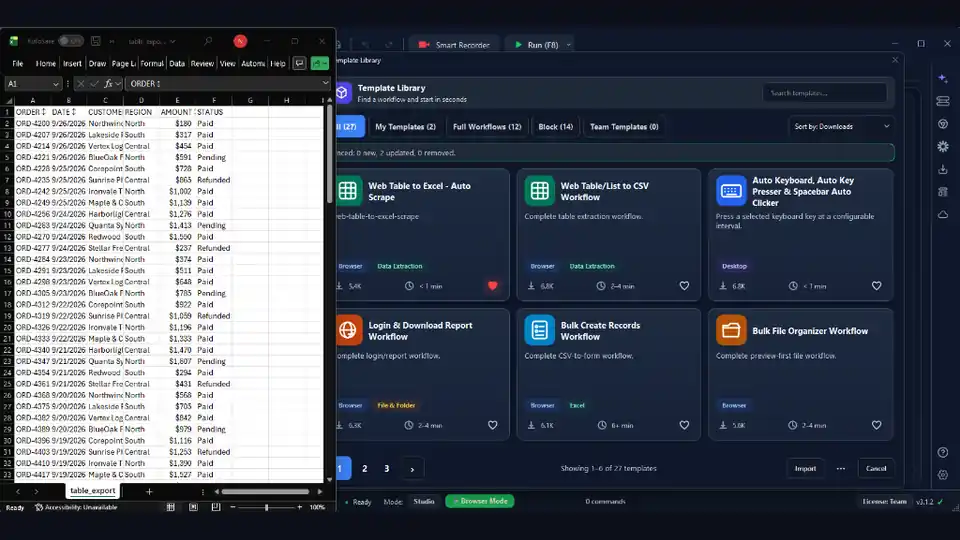
Step-by-step guide to scrape and export data from websites using browser automation.
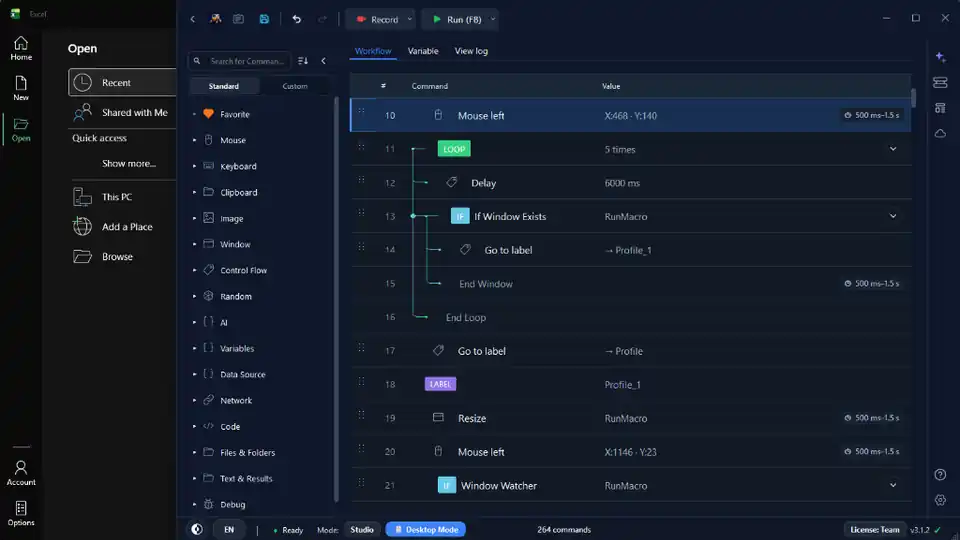
Learn how RunMacro helps automate repetitive Windows tasks across desktop apps, browsers, and packaged workflows.
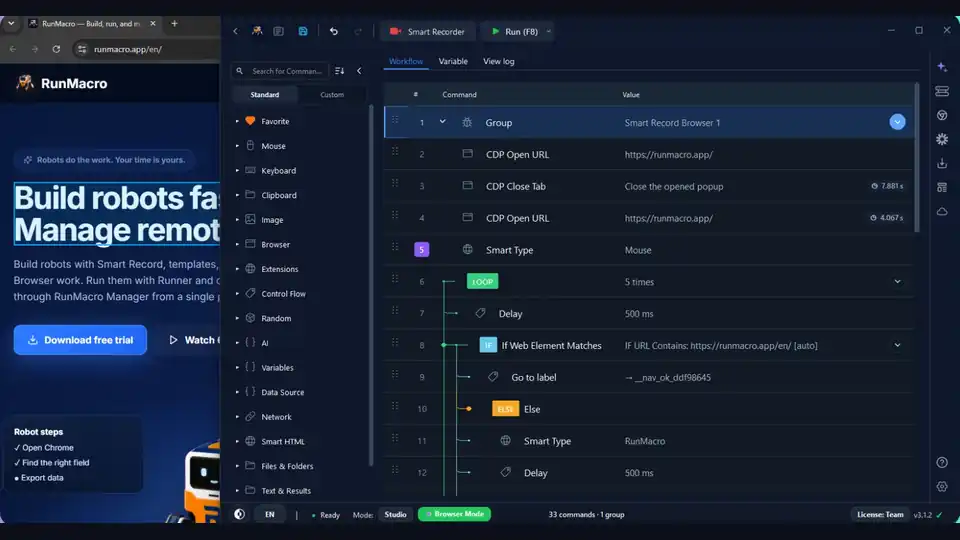
Compare desktop automation and browser automation so you can choose the right RunMacro mode for each workflow.
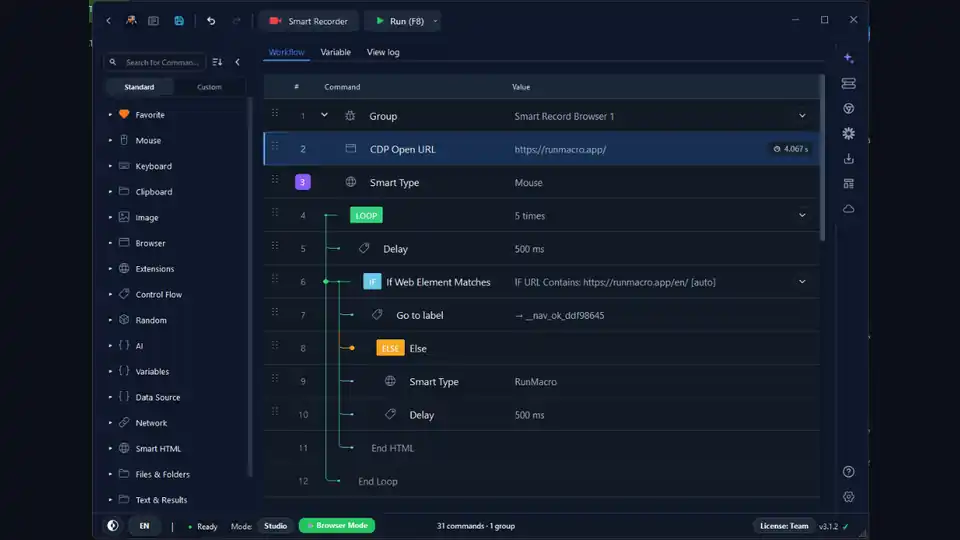
Practical tips for building reliable Windows macro automation workflows with image matching, waits, and diagnostics.
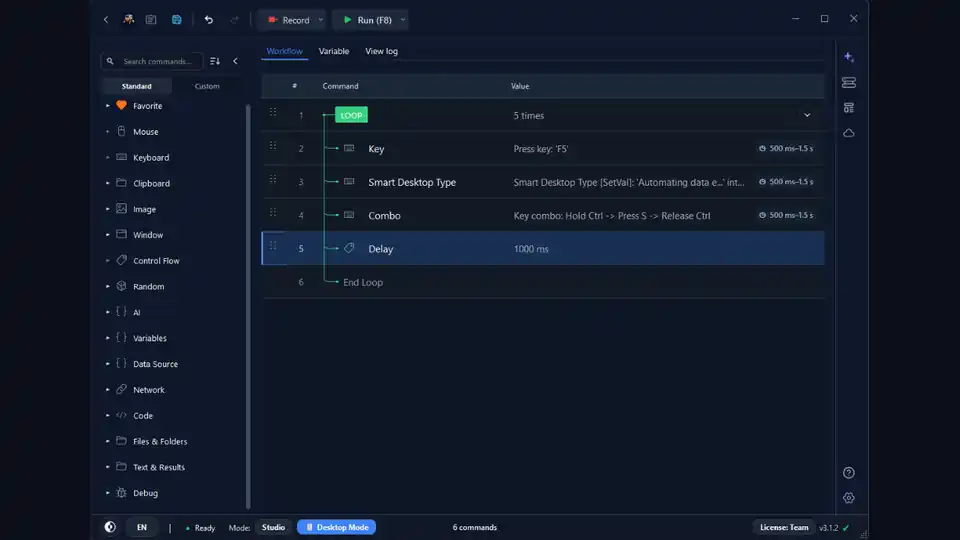
A beginner-friendly walkthrough to build your first automation using RunMacro’s visual workflow builder.
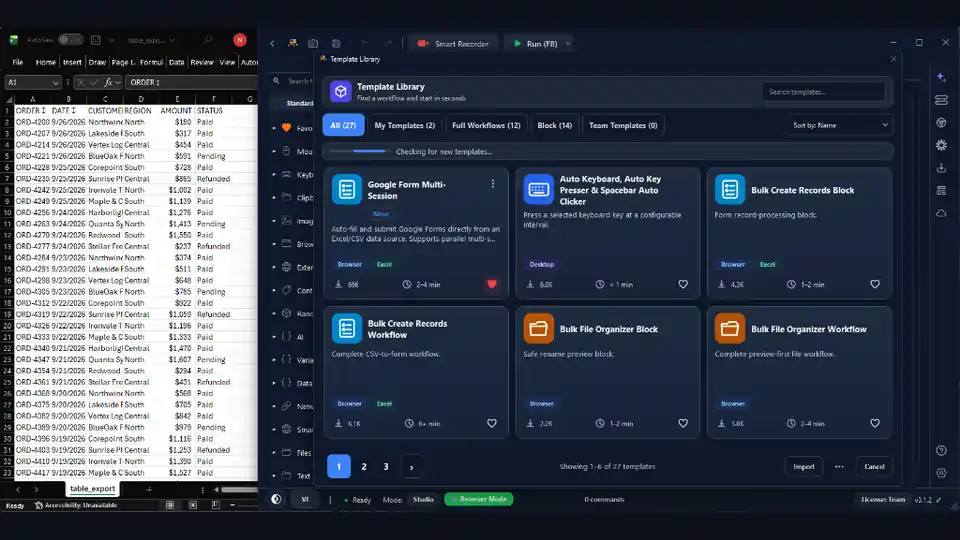
Real-world examples of how small automations can eliminate busywork and boost productivity.

Use what you just learned to create a robot and reclaim time for what matters.