
Close the current tab in background Chrome (CDP)
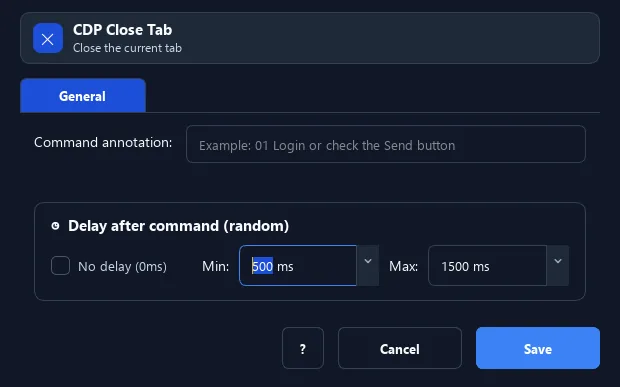
The Close Tab command closes the active tab of background Chrome.
Prerequisites#
- Add Close Tab to the macro.
- Prepare the data or target that Close Tab will use.
Supported modes#
- Browser Mode
What it does#
The Close Tab command closes the active tab of background Chrome. For safety, if only one tab remains, RunMacro navigates it to about:blank instead of closing Chrome entirely.
Screenshots & video#
When to use it#
- Clean up a side tab after extracting data.
- Close an ad/popup page opened in its own tab.
- Keep the window tidy across many loops.
When not to use it#
- Do not close a tab with unsaved form state or an uncertain target selection.
Configuration steps#
- In Browser Mode (CDP), select the right tab with Switch Tab if needed.
- Add the Browser › Close Tab command.
- Save.
Expected result#
After execution, Close Tab completes the described action and makes its result available to the next step.
Real example#
Example: close the lookup tab#
- Switch Tab → the side tab.
- Close Tab.
- Switch Tab → 1 to return to the main tab.
Limitations and failure cases#
- Closing destroys tab session state and can change the active target; last-tab/extension behavior depends on Chrome.
Tips & common mistakes#
The command has no options — it always closes the currently selected tab. Use Switch Tab first to target the right one.
Verification details#
commands/browser.py