
Go forward in background Chrome (CDP)
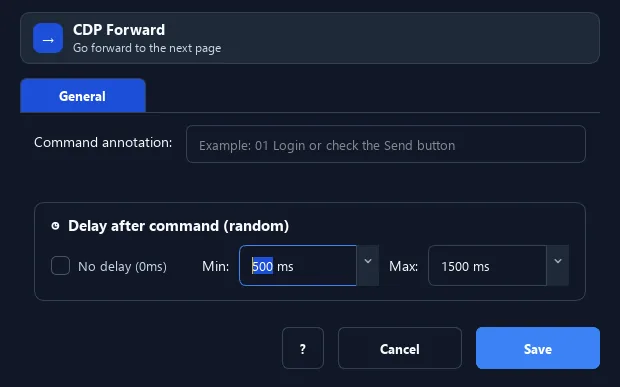
The Forward command moves the background Chrome tab to the next page in history — like the browser Forward button (typically used after Back).
Prerequisites#
- Add Forward to the macro.
- Prepare the data or target that Forward will use.
Supported modes#
- Browser Mode
What it does#
The Forward command moves the background Chrome tab to the next page in history — like the browser Forward button (typically used after Back).
Screenshots & video#
When to use it#
- Return to a page you just navigated Back from.
- Move back and forth between two pages in history.
When not to use it#
- Do not use Forward without a known forward entry or after new navigation cleared forward history.
Configuration steps#
- In Browser Mode (CDP), add the Browser › Forward command.
- Add a Delay if the page needs to load.
- Save.
Expected result#
After execution, Forward completes the described action and makes its result available to the next step.
Real example#
Example: back then forward#
- Go Back to the list.
- Check a condition.
- Go Forward to the detail page again if needed.
Limitations and failure cases#
- Forward can be a no-op; redirects/SPAs and readiness still depend on the current session.
Tips & common mistakes#
Only works when you previously went Back (there is a forward entry in history).
Verification details#
commands/browser.py